How to Sign Up for OurDream AI: Free Account Step by Step (2026)
Adult content (18+). This article contains affiliate links to OurDream AI: if you sign up or buy a plan through our link we may earn a commission, and you pay nothing extra. Tested on 26 October 2026.
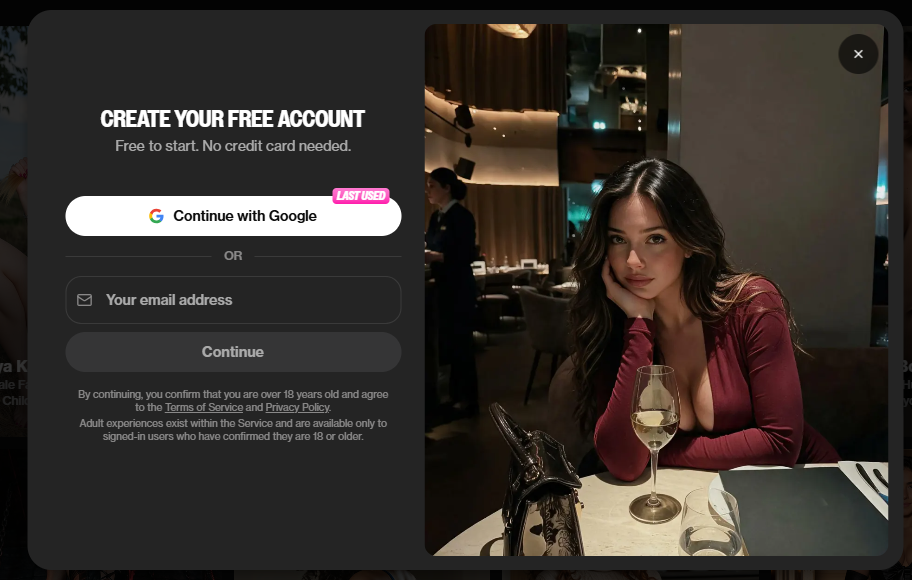
Creating an OurDream AI account takes a few minutes and, according to the on-screen information, does not require a payment card. Here is exactly what we did, in order.
Step by step
- Open the site and pass the gate. You land on an “Adults only” screen. Confirm that you are an adult.
- Click “Join Free”. You can sign up with an email address or with Google.
- Enter the 6-digit code. If you use email, a code arrives in your inbox and is valid for 30 minutes.
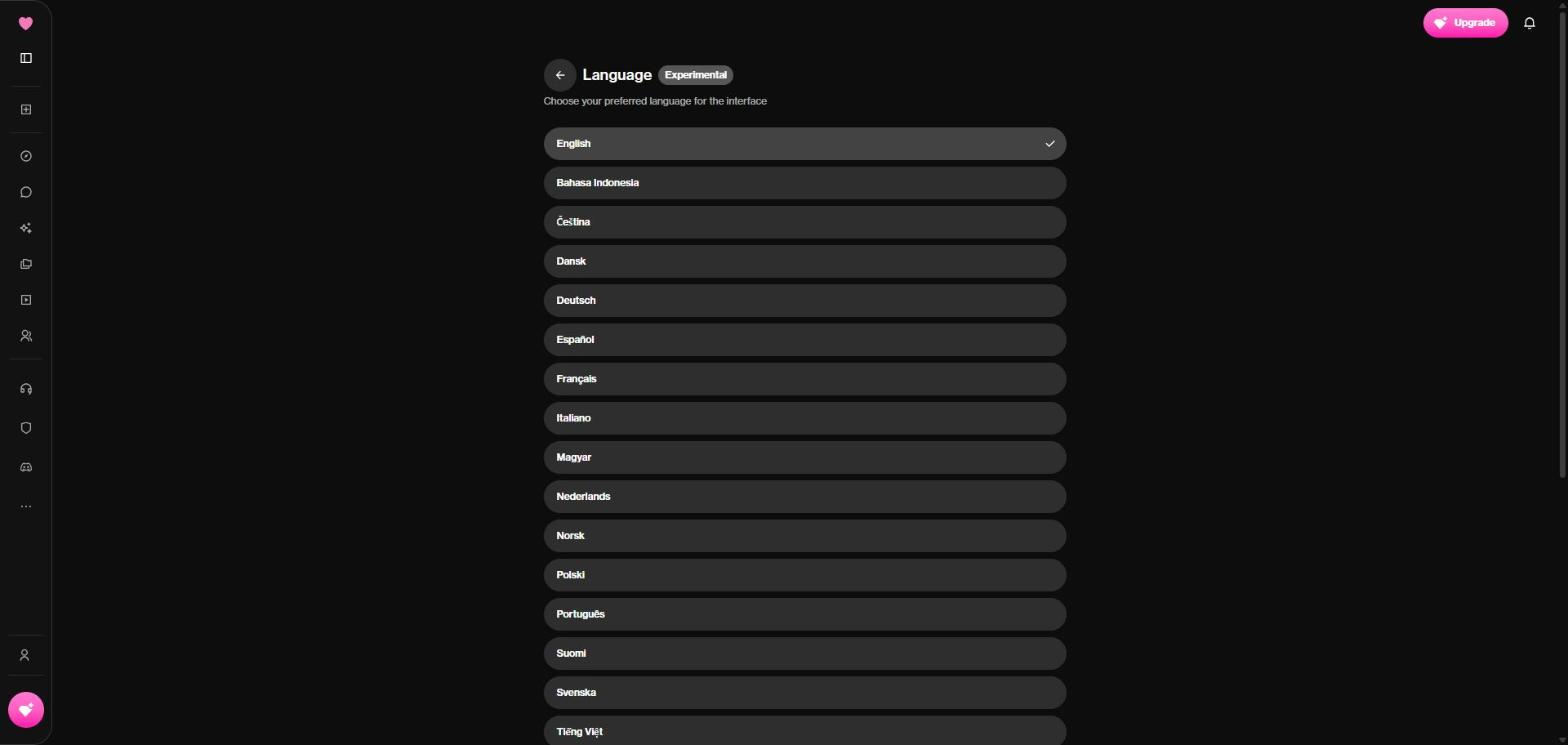
- Set the language. In your profile settings you can switch the interface language (the language list is labeled “Experimental”). The chat language is a separate matter: write in the language you want and see how the character replies.
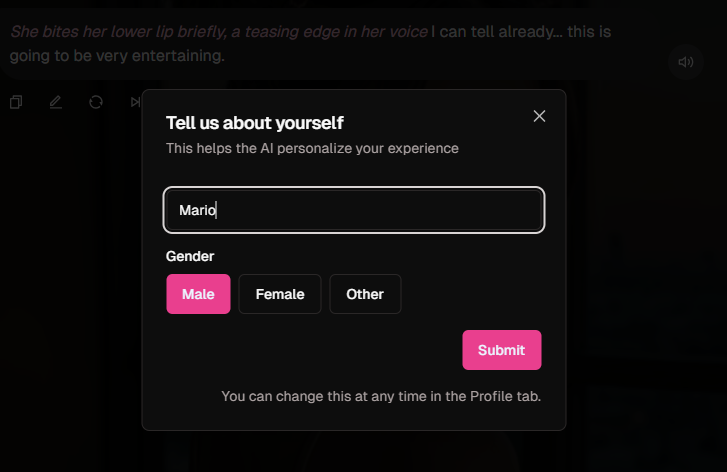
- Check your balance. Our first free account started with 55 DreamCoins (26 October 2026), and a second one created on 12 November 2026 started with 50, so the starting balance can change. The sign-up window says “Free to start. No credit card needed.” After sign-up the app asks for your name and gender so the character can address you.
Create your first character, screen by screen
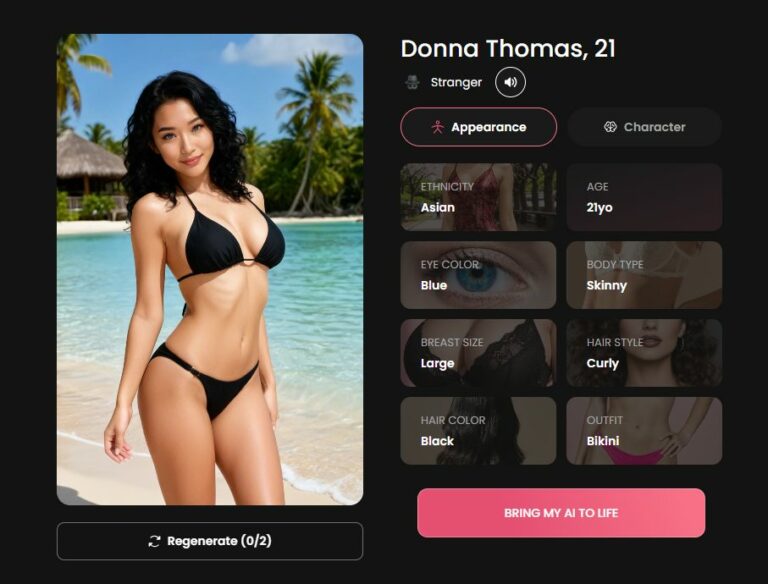
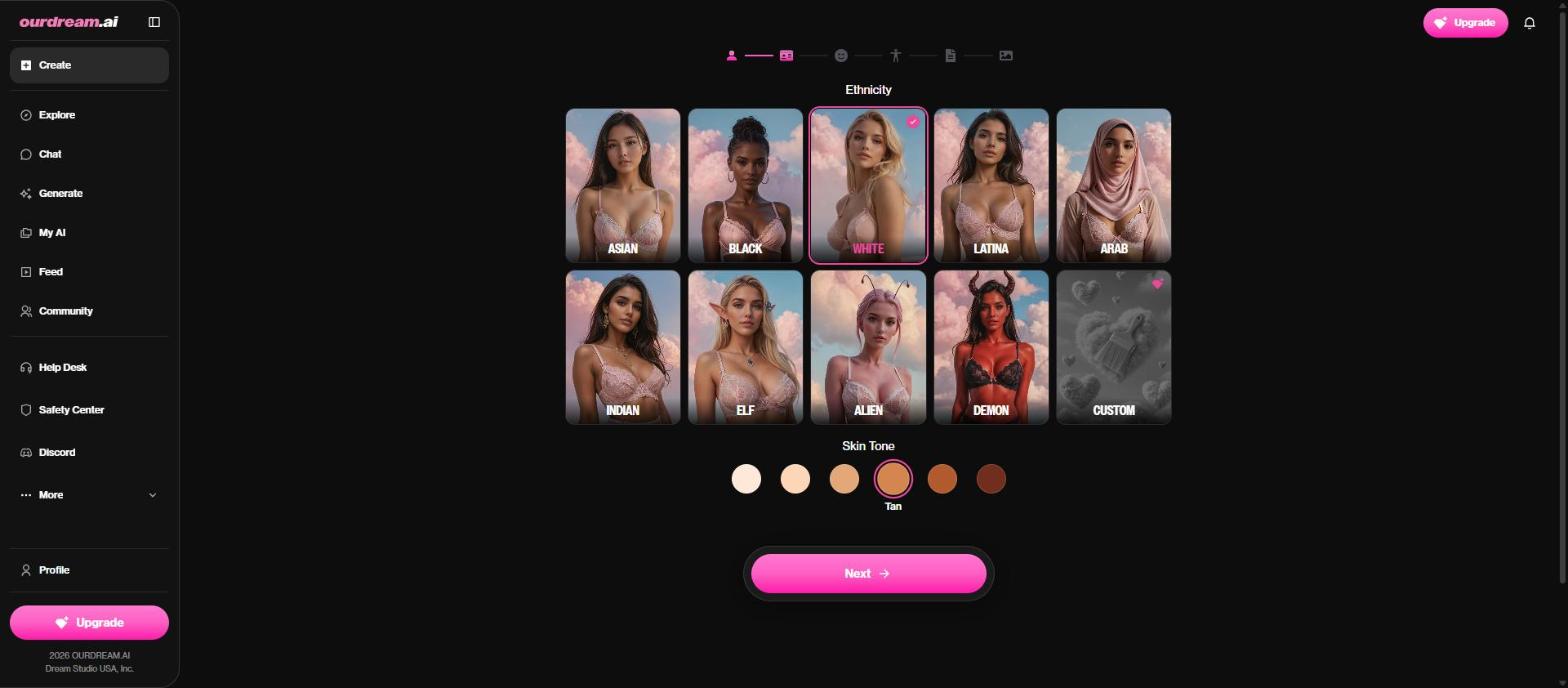
Right after sign-up, OurDream opens its character creator. It is a short wizard; the screens below are the ones we filled in on a fresh free account. The ethnicity screen is shown above.
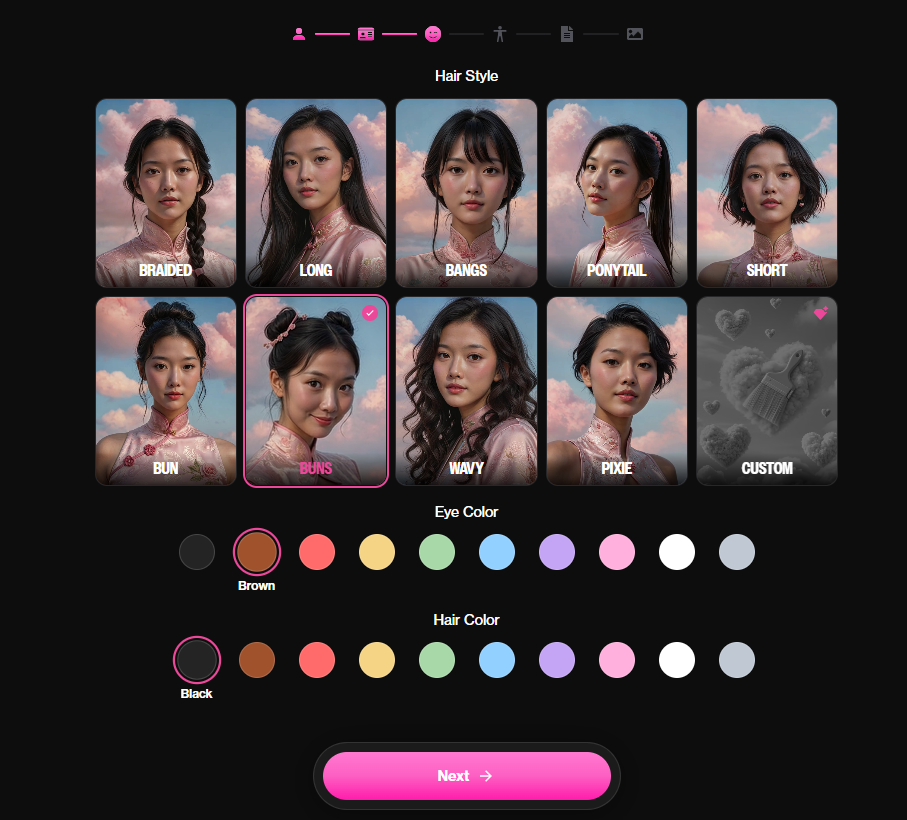
Hair. Pick a hair style (and colour) from the options.
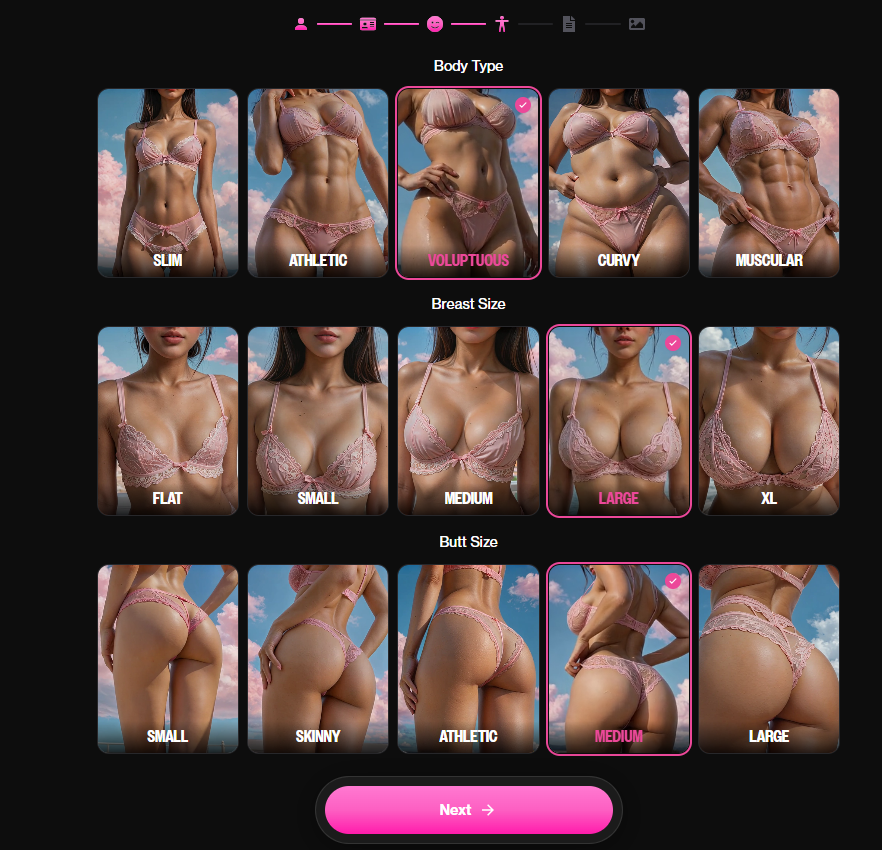
Body type. Choose the build from the offered options. Everything here is customisation only and can be changed later.
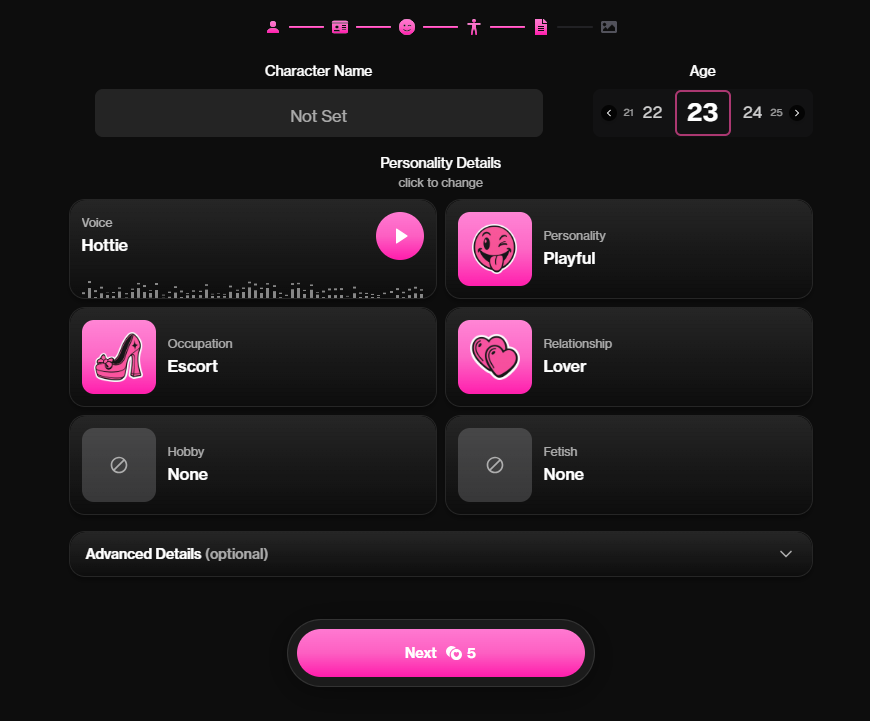
Personality. Choose personality traits and details. Note the cost: on our free account the Next button on this step showed 5 coins.
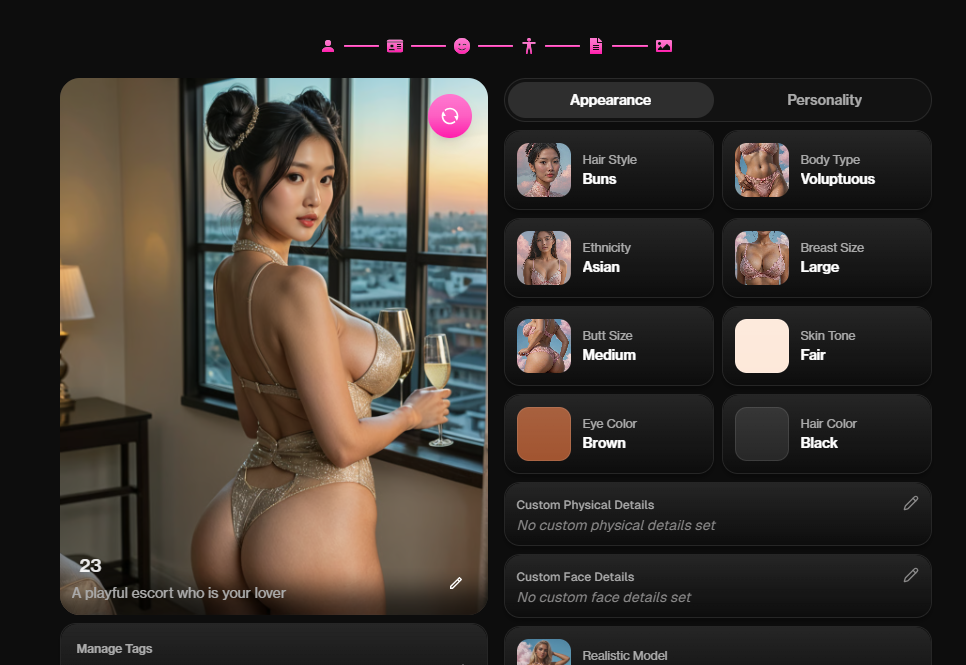
Summary. Before the character is created you see a summary of your choices.
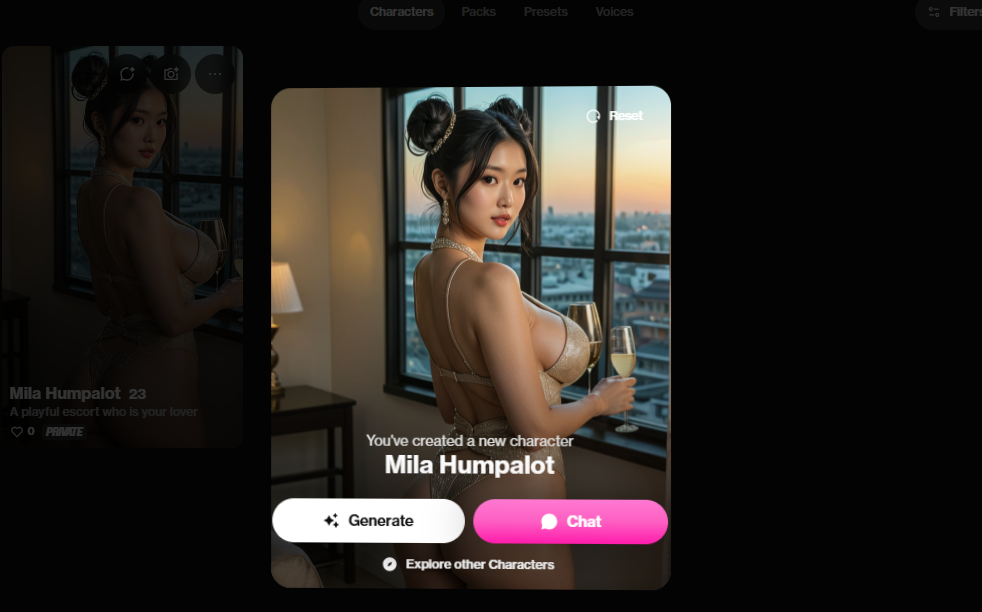
Character created. A confirmation window offers two buttons: Generate (images, costs coins) and Chat.
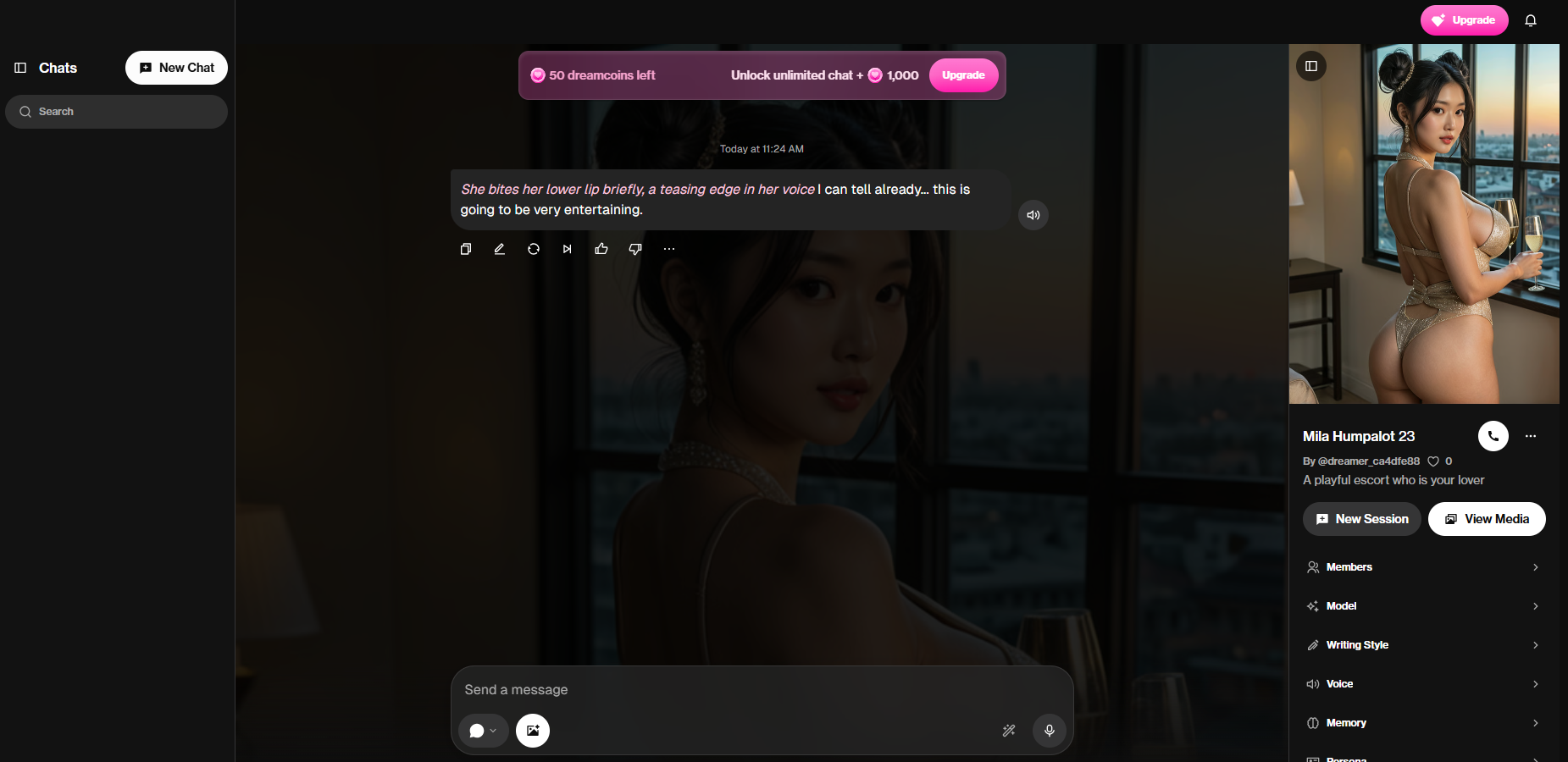
First chat. Choosing Chat opens the conversation right away. On our second free account the balance in the corner showed 50 DreamCoins at this point, and a chat message costs about 1 coin.
What you get for free
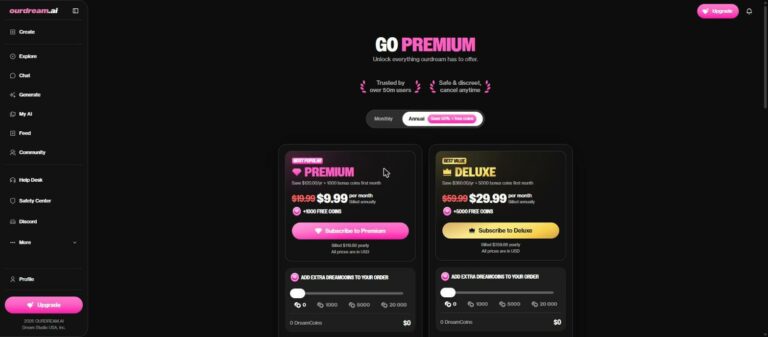
You can browse characters, go through the character creator and try a short chat. Custom prompts in the image generator need Premium, and generating images or video uses coins. For a closer look at plans, the creator and costs, read our first 10 minutes guide.
Before you pay
- Start free and decide after you have built one character.
- If you buy a plan, remember that yearly billing is paid upfront.
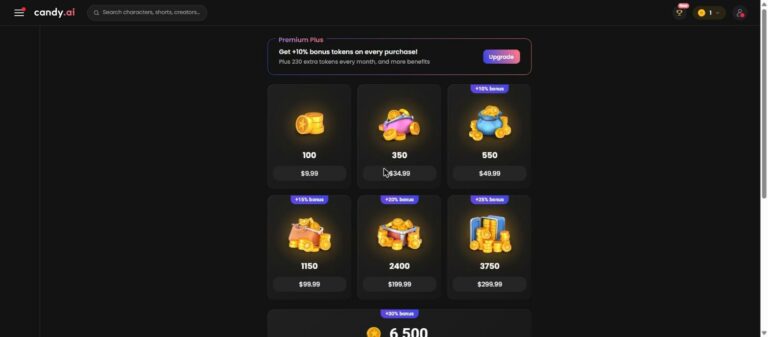
- Coins are bought separately from the subscription.
- Use a card or payment method you can control, and read the refund terms.
Create a free OurDream account →
Ad · affiliate link · 18+ only
What next?
More about OurDream: full review · sign-up guide · first 10 minutes: plans, creator, voice and costs · Community Voices update · Dreamyshorts review · best apps for custom characters and images · our full ranking.
Prices and features were checked on 26–27 October 2026 on a free OurDream account and may change. We did not buy Premium or Deluxe, so statements about image and video quality, memory and voice come from the maker’s notes and user reports and are marked as such.